


By: COMMANDER ENTERPRISE
Most types of sound recordings done on a smartphone or tablet will usually be a sound bite, a reminder, a voice message, or something multi-media related. It’s not something that’s regarded as a main feature unless it is multimedia-related, i.e. audio from a video recording. But as for actual full-length sound recordings, only the serious few are aware of their gadgets’ real sound recording capabilities.
In many ways, this super portable, convenient, all-in-one basic recorder exists in most medium to high-end smartphones—especially those with dedicated audio and multimedia capabilities, or those that possess good audio recording and mics.
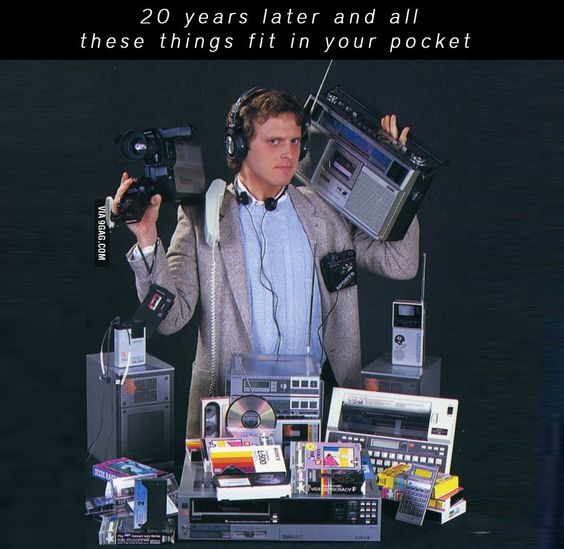
Taking on the role of 4 track recorders and tape recorders back in the day, but now in a much compact and advanced modern version that fits in the pocket, smartphones have replaced these analog originals with digital recorders that produce good sound quality results. It’s just one of the many facets of the hybrid phone/tablet devices that most people tend to overlook (and not use).
Capturing Sound, Making Demos
Those guilty of not taking advantage of this sound feature can be excused; not everyone is into specifically recording music or sounds purely for enjoying music or sounds as a basic demo recording, as an instant digital release, or maybe as a teaser for an upcoming recording.
But for those who are involved in music, music production, sound engineering, not to mention hopeful singers, songwriters, musicians, soundtrack creators, sound geeks, and more importantly, music fans, this is important. It’s also free and can easily be carried around for if the right moment needs to be captured, or something needs to be worked at on the go, anytime.
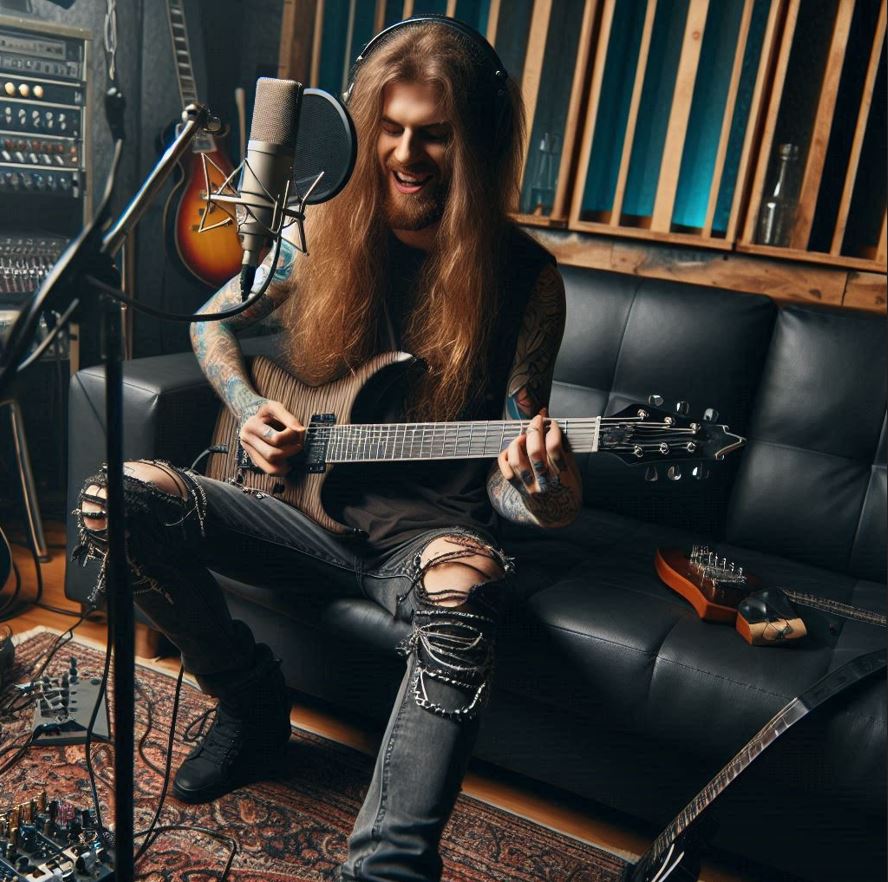
Smartphone recordings fall under two categories: a raw single-track recording, or a multi-track recording where parts, vocals, and instruments can be recorded separately and will appear as a single-track recording in its final form. These single-track raw sound recordings, even for basic demos or capture-the-moment documentation, would need at least mid to high-end phones and gadgets with dedicated audio and recording mics.
These types of audio files do not need any post-production work and are presented “as is”, and recorded live. Of course, the quality will depend on the level of the audio features in the gadget (iPhone, iPad, Android smartphone). But generally, this method can apply to things like a simple demo for basic vocals (and maybe a few instruments), a classroom lesson recording, a live gig or show, conversations or discussions, samples, evidence, or field recordings, anything straight-up recorded as just one sound file.

A more complex method is by using track-by-track recording, which is using the phone to track individual parts of the song, the sum of which is a single audio file comprised of recorded elements recorded separately. The band or musician can do final edits or mixes on a PC, Mac, or the same phone using audio editing apps and programs.
This type of method needs high-end phones/phablets/tablets, multi-track recording apps, and lots of times, external audio equipment, such as a recording console interface and plug-in microphones. The phone becomes the actual (or make that virtual) soundboard and recorder in one.
PC Home Recording: Revolutionizing DIY But Professional Home Recording
The earliest phase of digital recording was in the late 70s; As the technology grew, and computer RAM, data storage, and soundcards got better, the sound quality also improved. Around the late 80s you can play a cassette player inputted into an Apple computer. By the early 90s, the rudiments of minimal PC digital recording started.

The smartphone setup we’ve discussed is the same as PC-based home recording, using a simpler, more compact, and highly portable methodology. This is where most of the stationary properties of a PC-based recording end, and some of the more portable and convenient capabilities of the gadgets come in.
It is recommended that a higher-end model with the maximum storage possible be used, whether this may be for a much simpler phone set-up, or through a more thorough tablet set-up. Some phones and tablets can be used with a USB-connected microphone, or even a console interface set-up that resembles a more (much more) compact digital home recording studio. The recording can use the built-in mics, or any compatible external headphones that can be connected using a direct jack, or through a USB connected interface console. Some may prefer the built-in mics in select phones that even have noise and background noise-canceling properties that can produce better quality recordings.
While this type of recording can improve and expand upon the sound and audial texture of the resulting file, keep in mind that the same old recording “techniques” can also be applied to smartphone recordings. These are tried and tested “hacks” used to get certain sounds or effects, such as finding the sweet spot in a jam room or on an amplifier, creative ways to microphone people and instruments, using large rooms or halls for reverb, or using a secluded room for guitars, for example. It’s the perfect fusion of professional recording techniques and these compact and convenient devices.



 Towards Harmonious Civilization Zine
Leave a comment